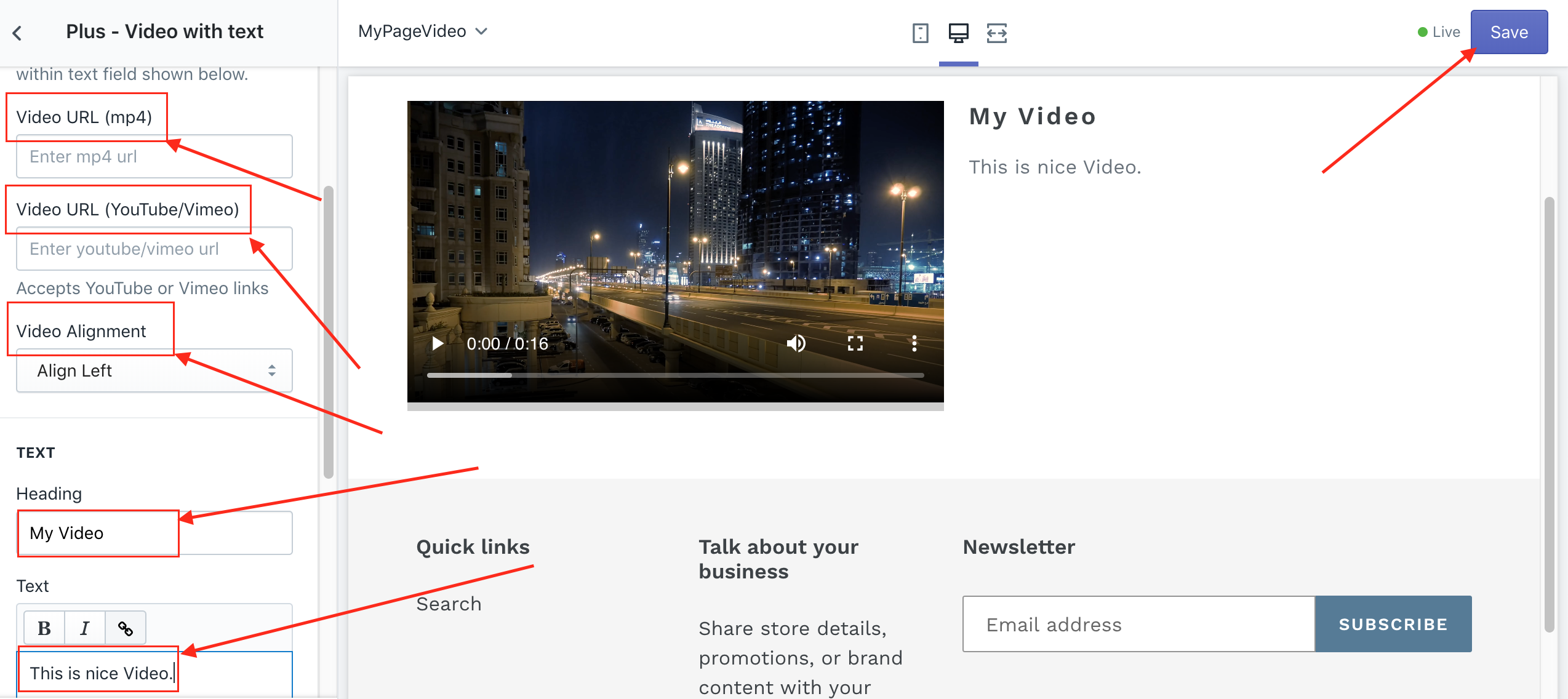
How To Add a "Video with Text" like "Image with Text" in the Shopify store.
November 7, 2019

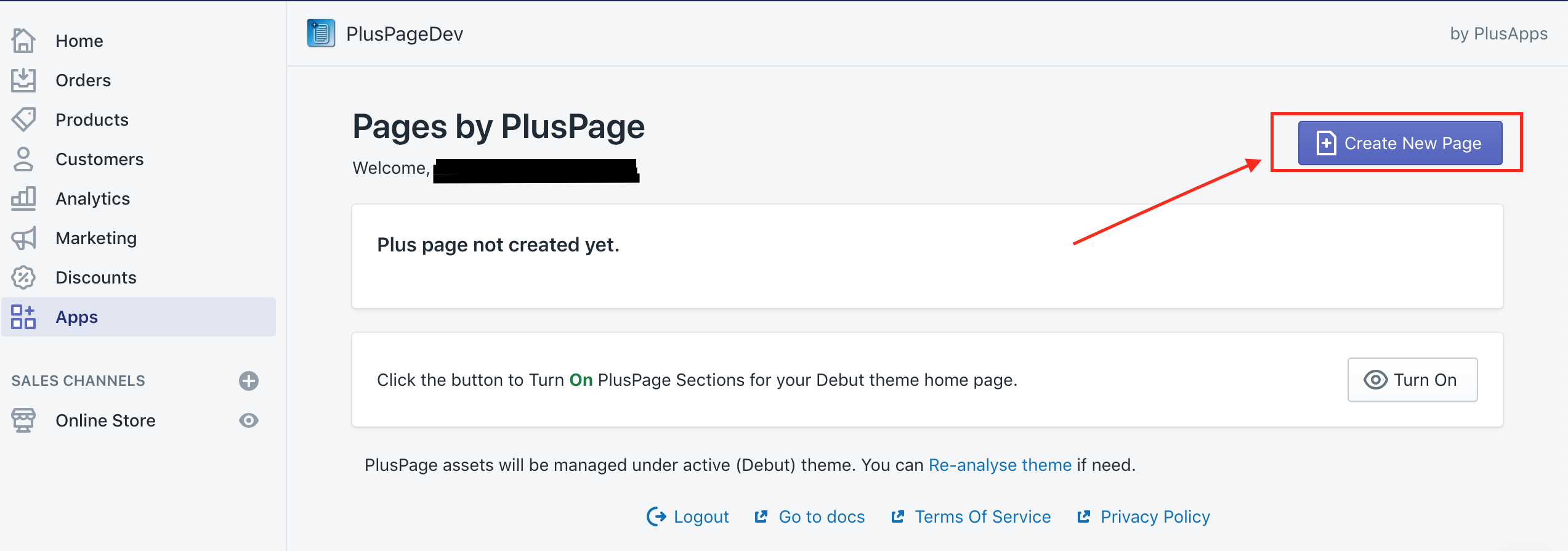
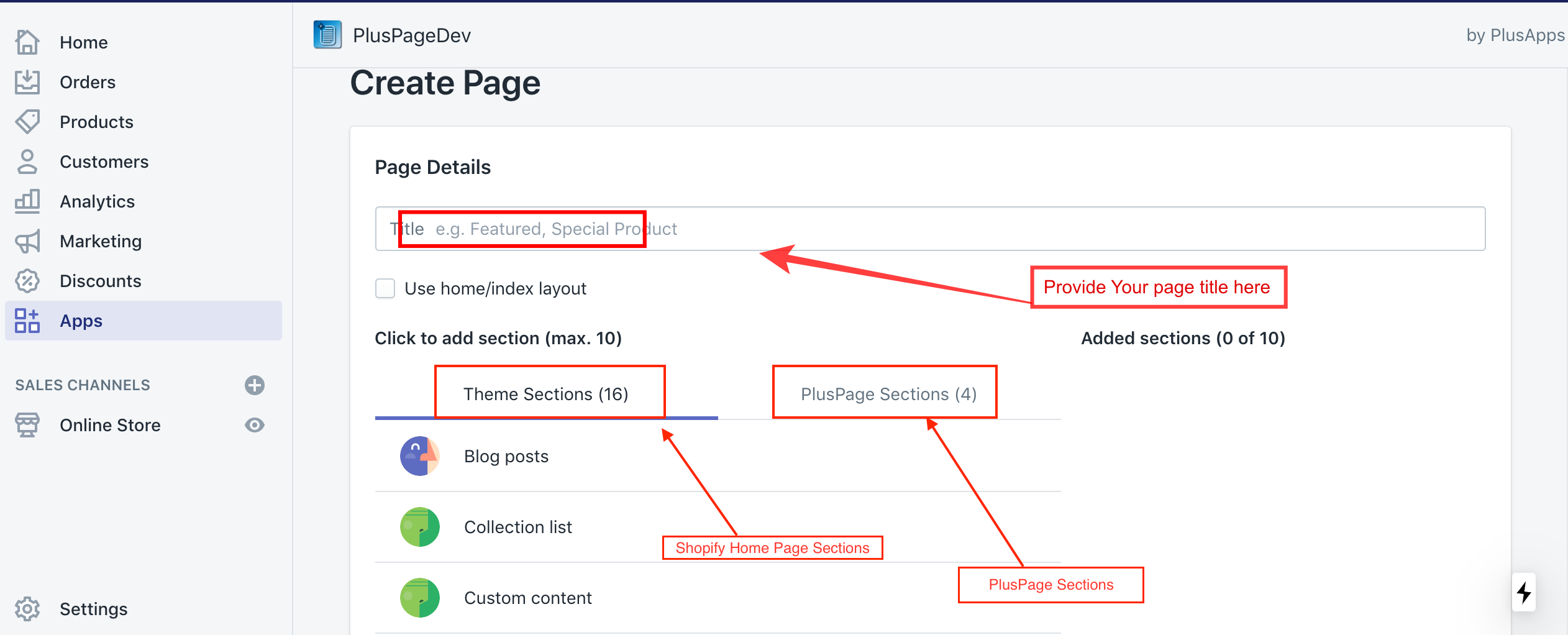
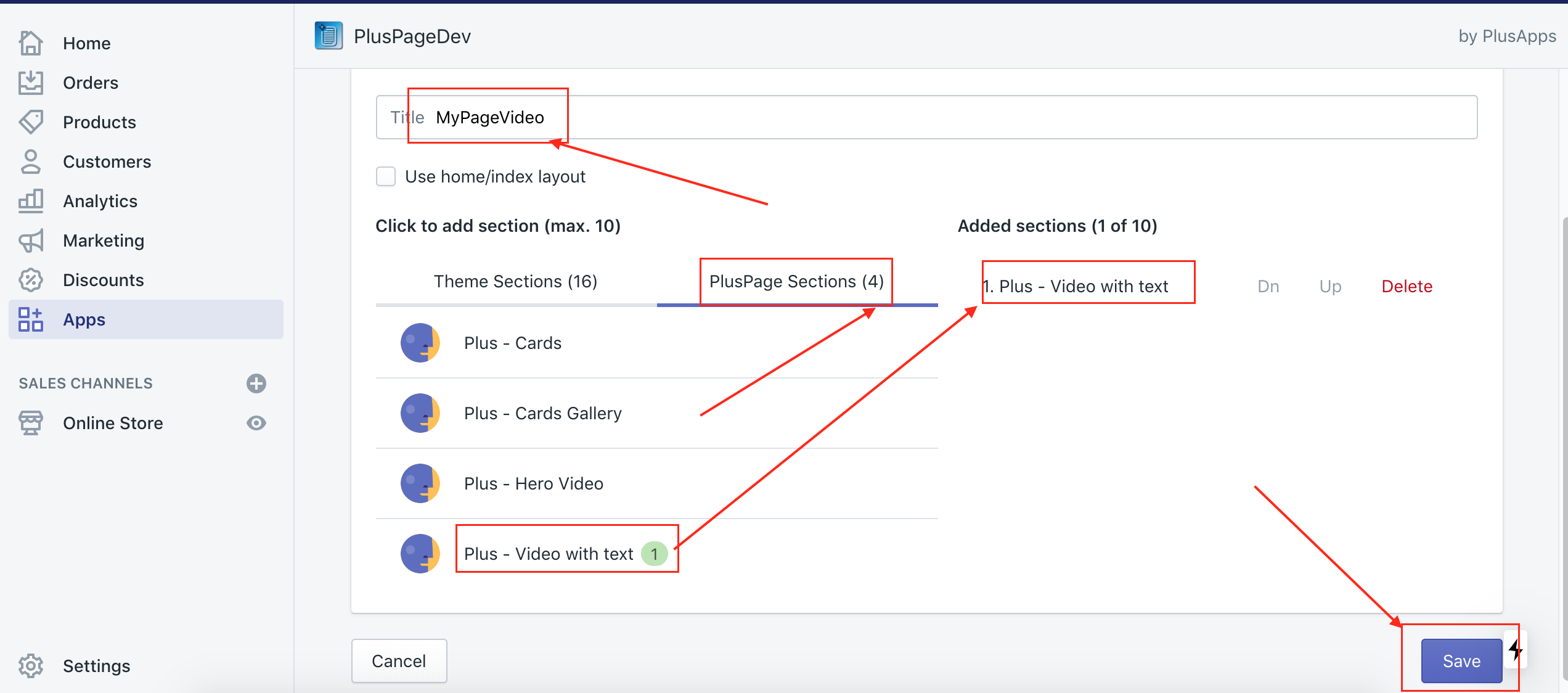
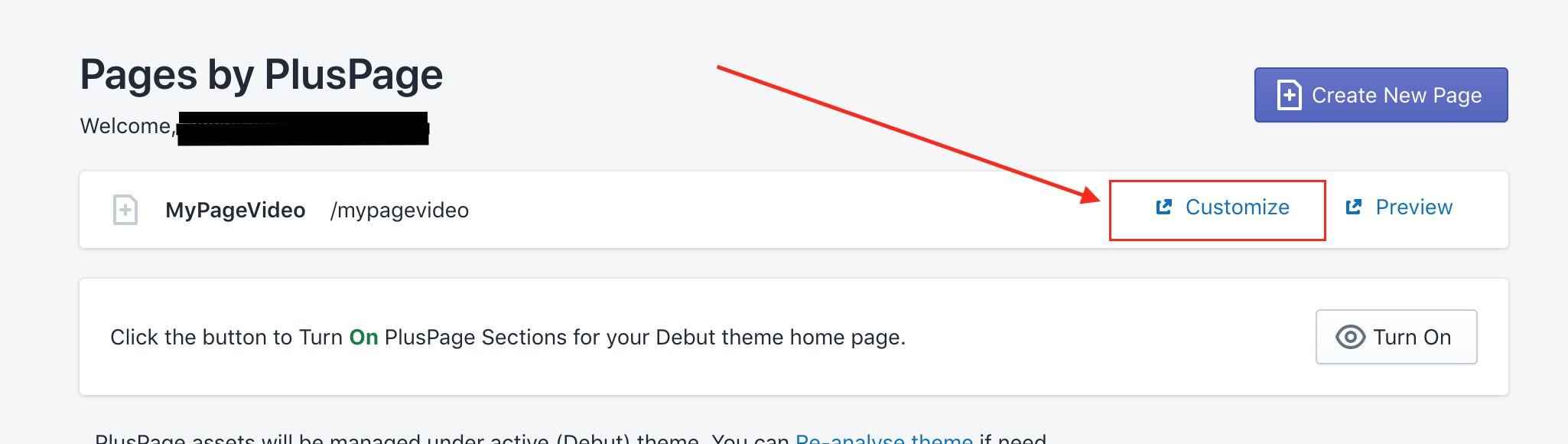
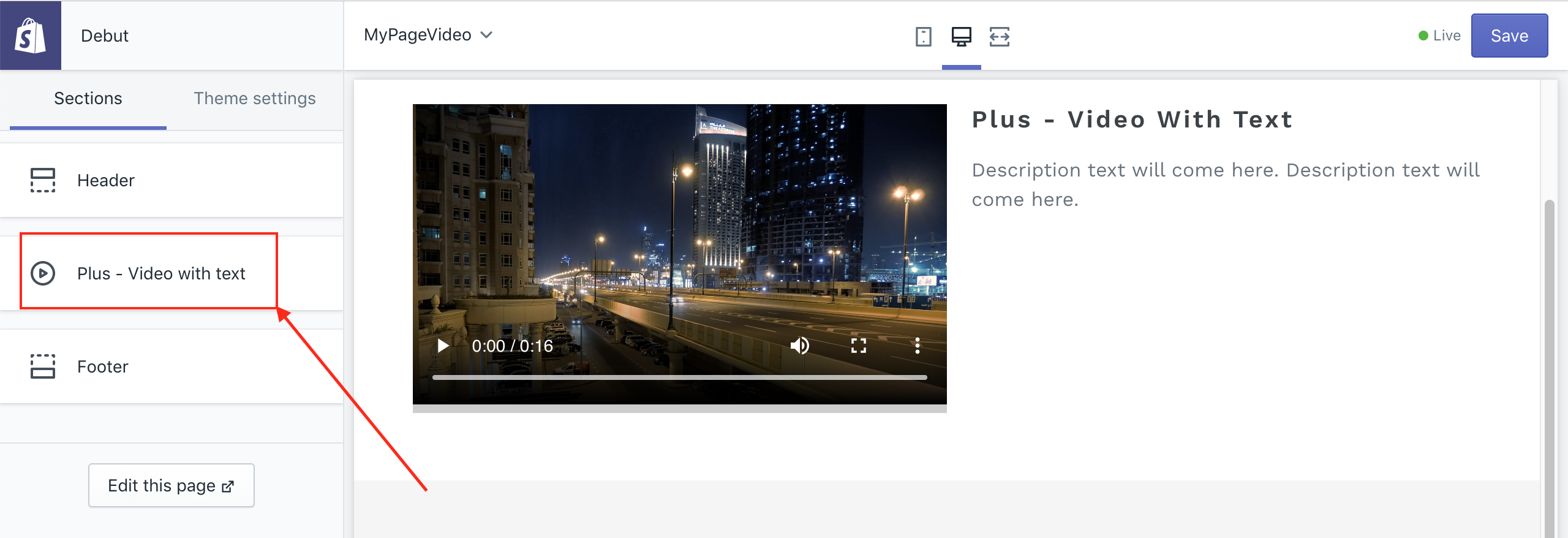
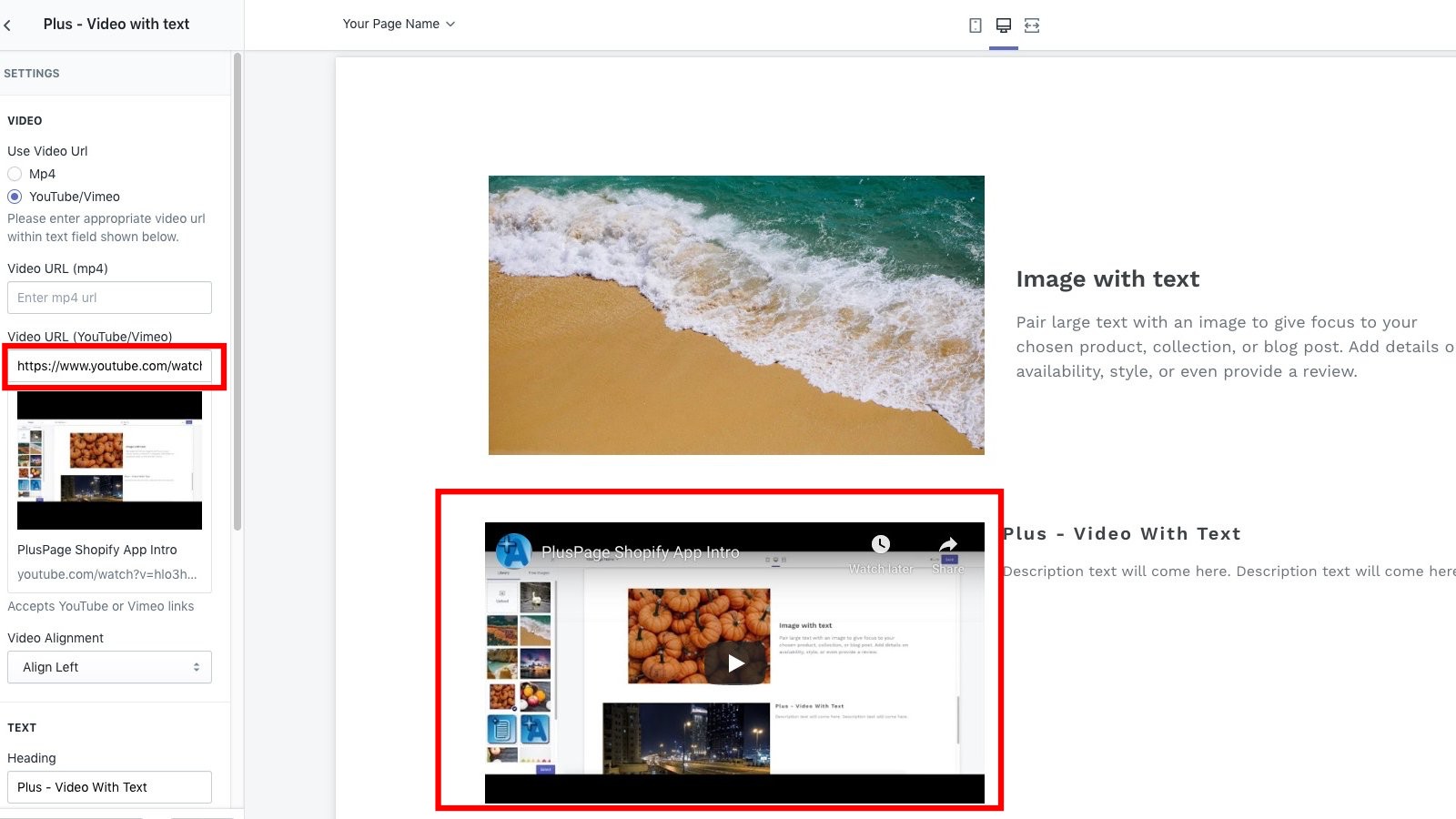
2\. Now if you want to add Youtube or Vimeo video, just choose youtube /Vimeo option and paste the URL in Youtube/Vimeo text box,
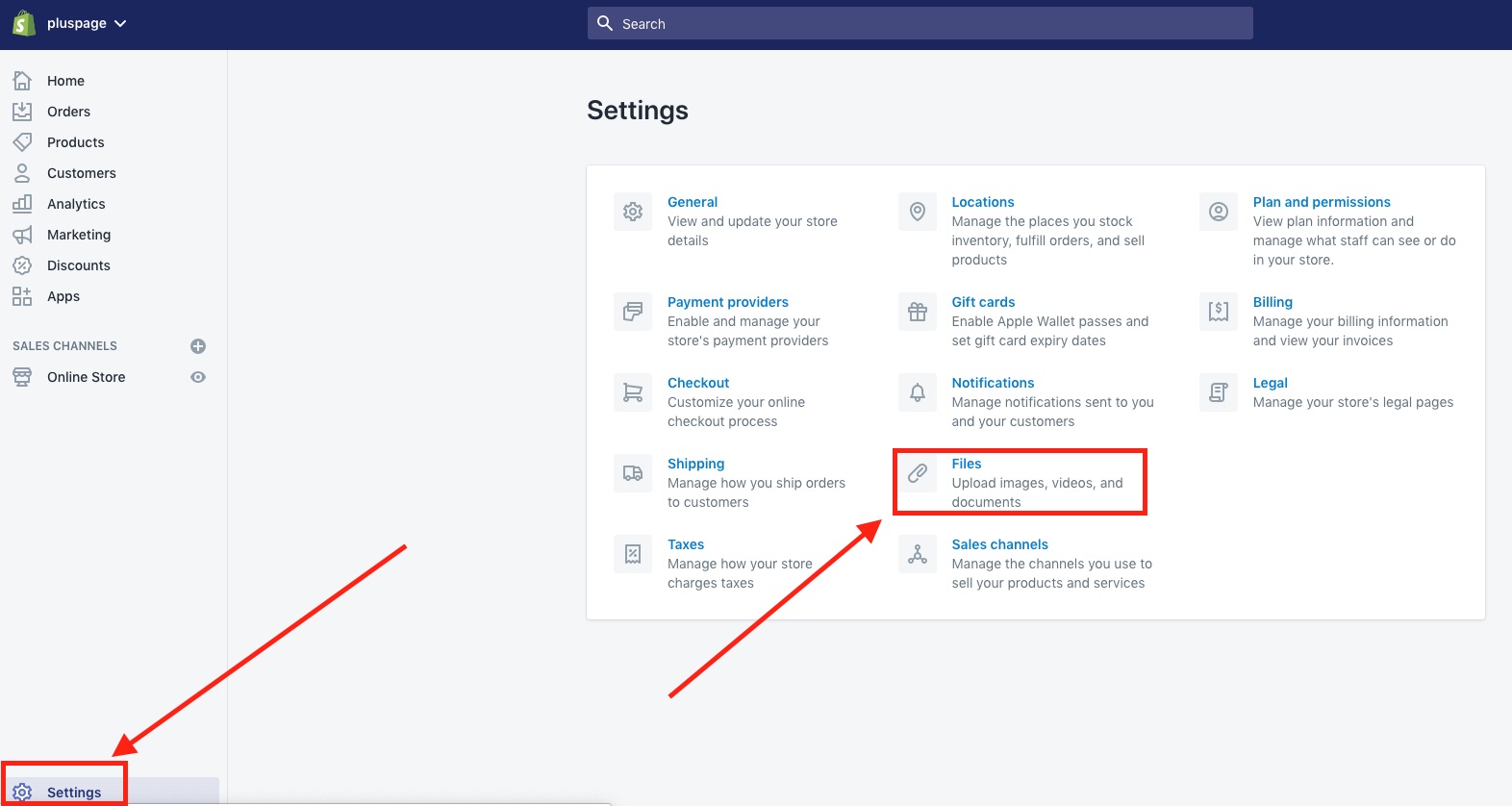
3\. If you want to add an uploaded mp4, first upload the video in Shopify Media that you want to use in your hero Background. For this, click on the settings and then click on Files.
4\. Then click on the upload button and upload the video file (mp4) to Shopify.
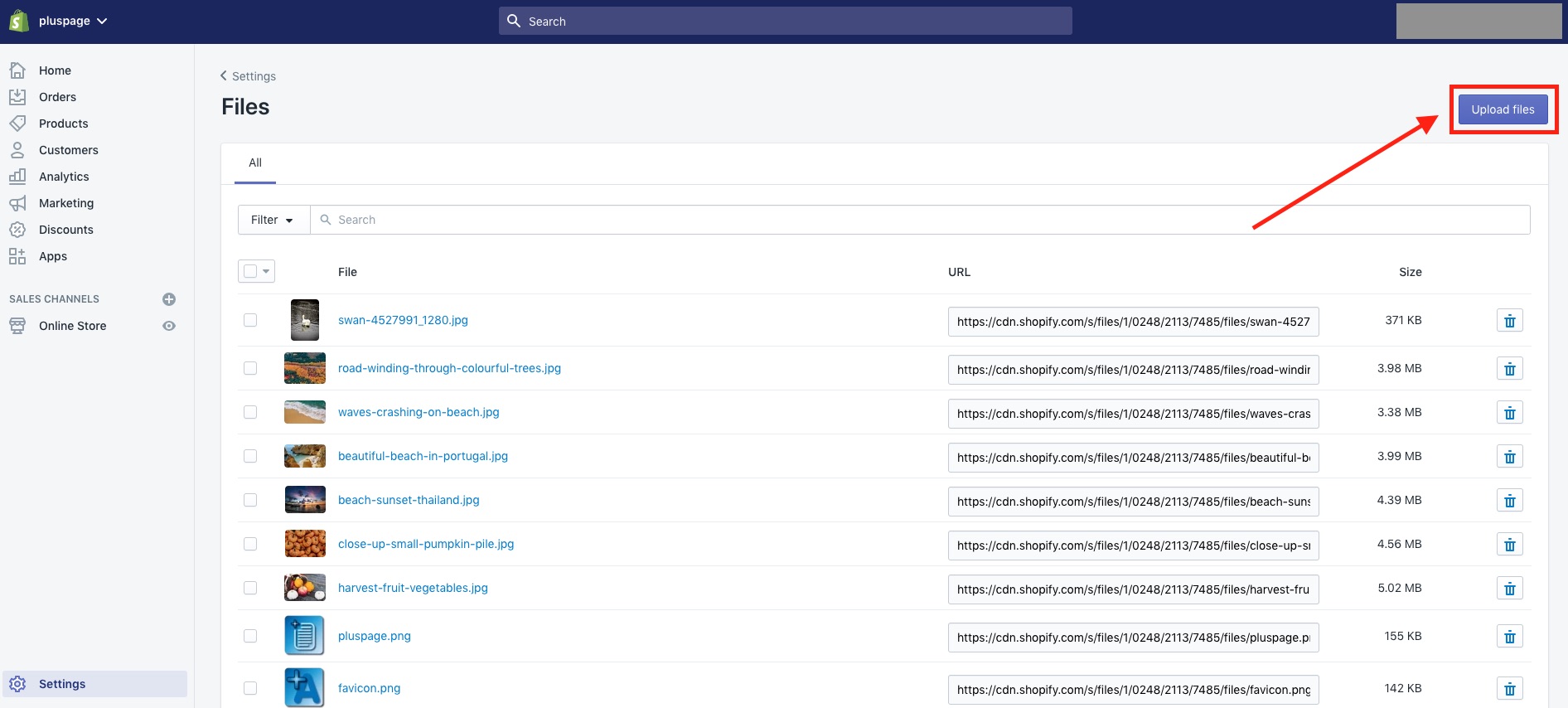
After your upload is finished, the file will appear in the list. Copy the URL link of the mp4.
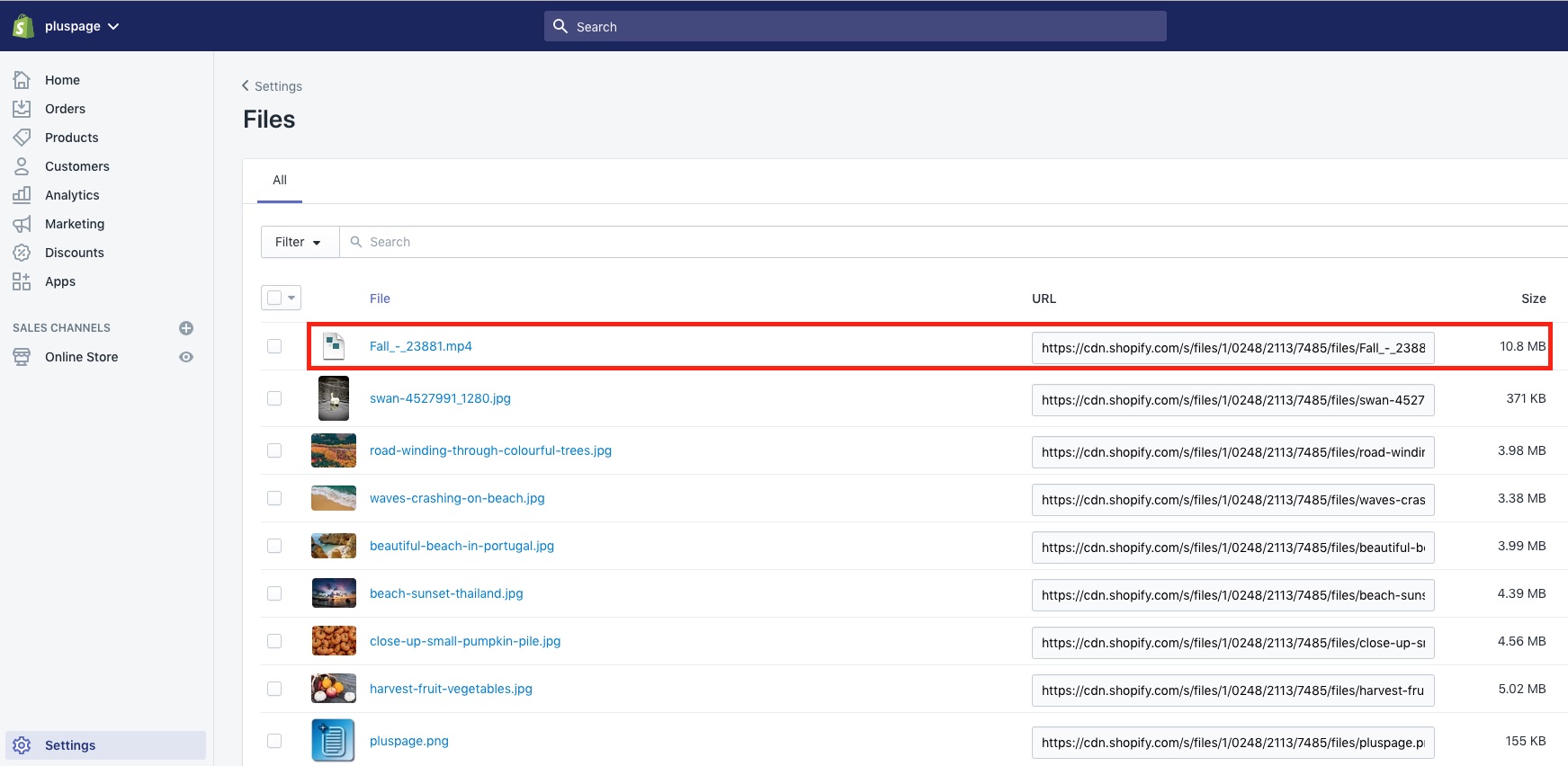
4\. Now You will be able to add your video link. Click on mp4 option and paste the url link. Change your text title along with the description from there. Hit the "save" button on the top right corner to save your changes.